FREE WORKSHOP · FOR STUDENTS & TEACHERS

Create Videos with AI

A free, hands-on workshop at your school that shows students and teachers how to turn one simple idea into a complete, ready-to-share video using AI. No camera, no studio and no editing experience needed.

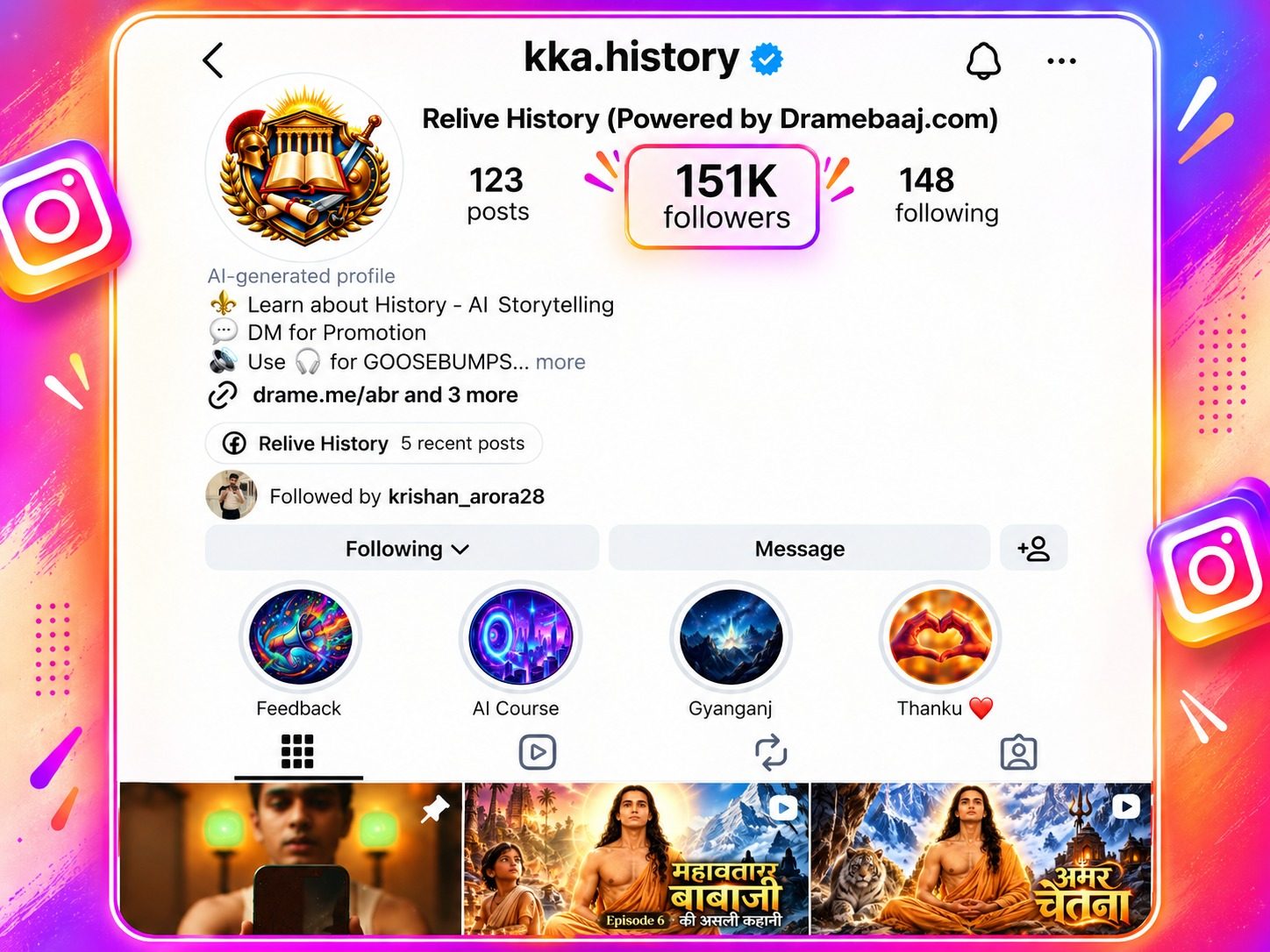
150K+followers on @kka.history
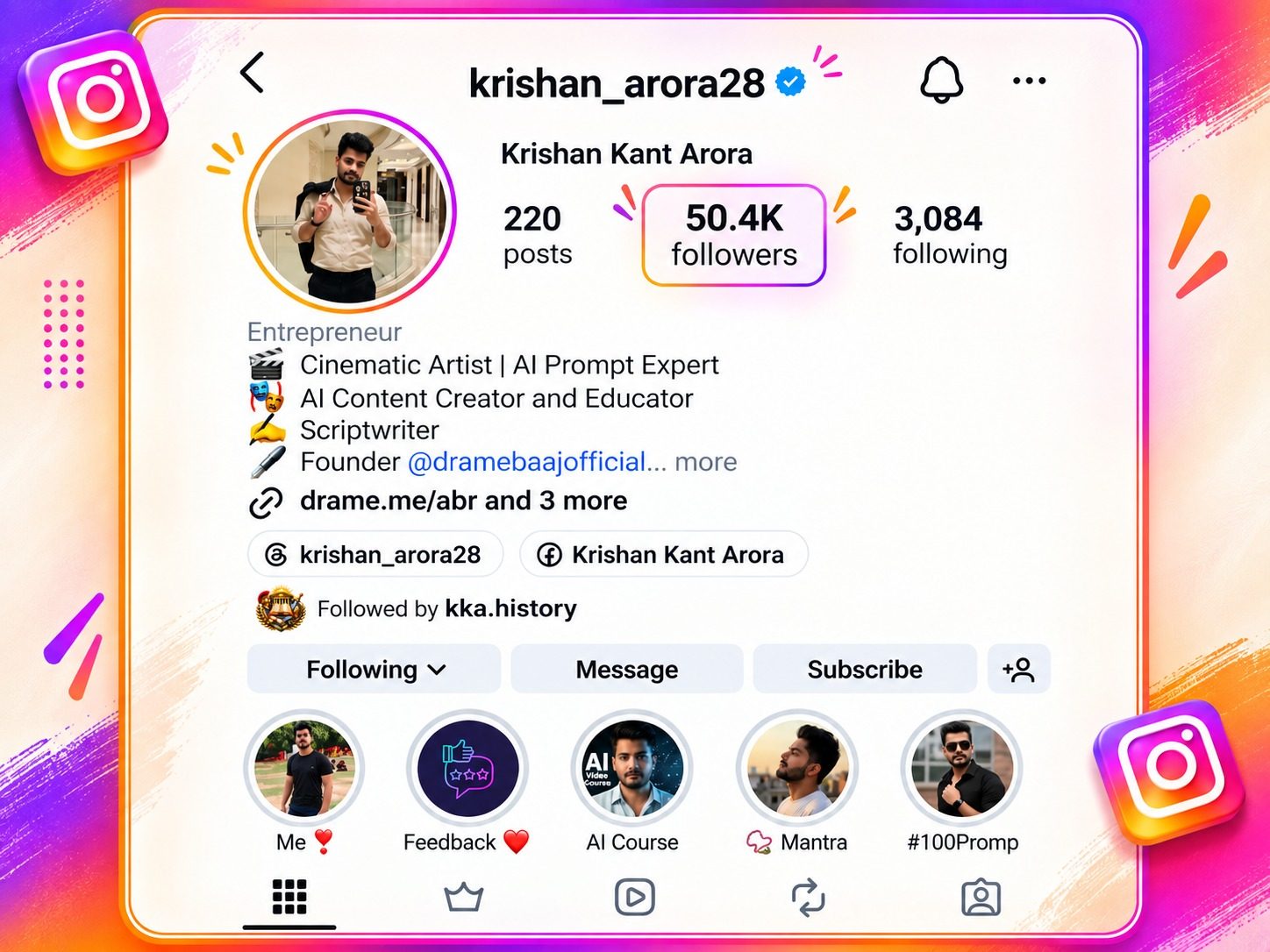
50K+followers on personal Instagram
4 countrieswhere Dramebaaj serves clients
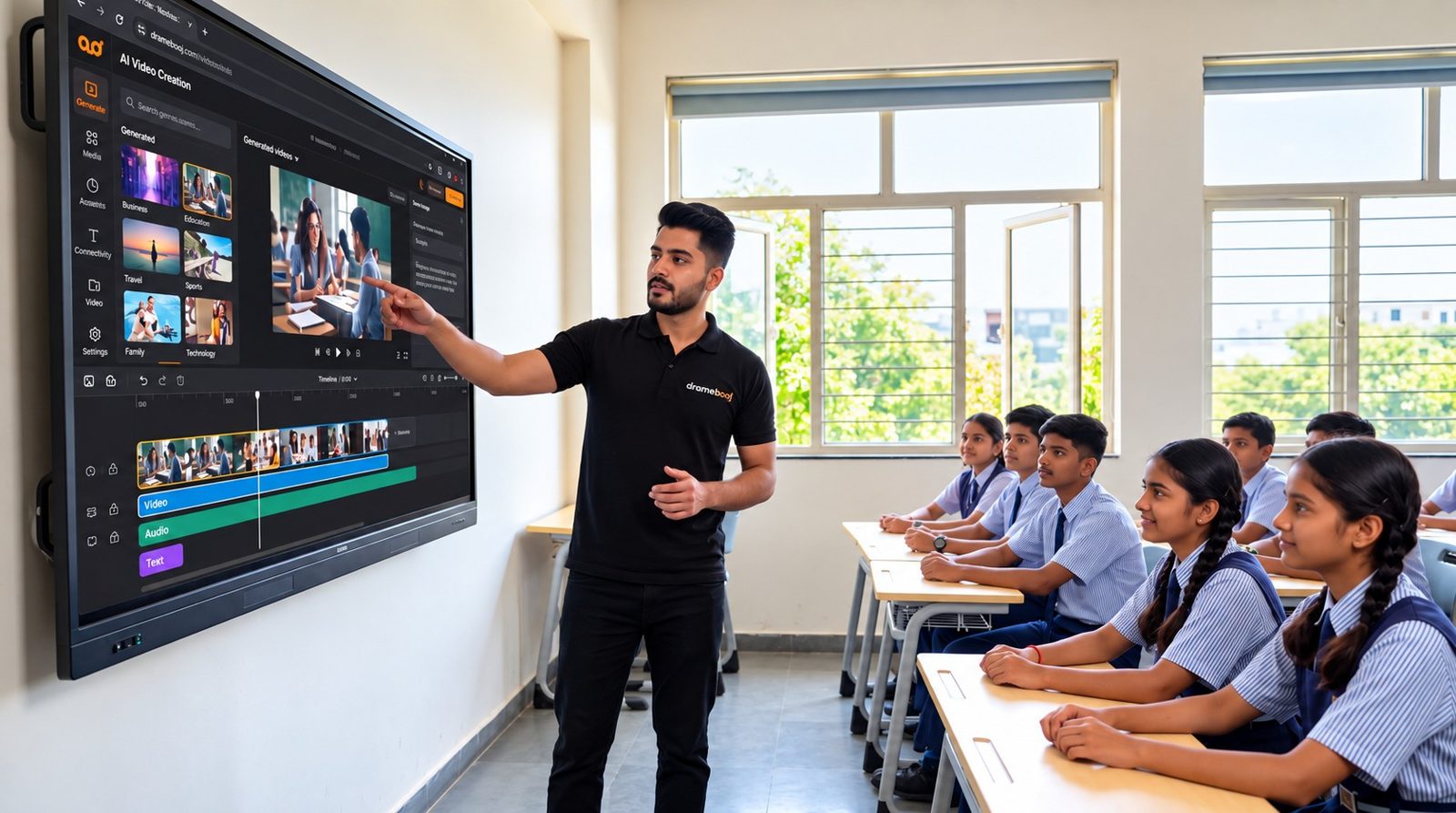
Krishan Kant Arora demonstrating AI video creation on a smart board to a class of school students
60–90 minLive session on your campus, at no cost to the school
The world has changed

Making a video used to need a whole team.

A writer, a voice artist, a designer, a camera crew and an editor. Weeks of work and a big budget. Today, one student with a laptop and the right AI tools can do every one of those jobs. The tools do the heavy lifting; the student brings the idea, the story and the judgement. That is a new kind of skill, and it is one every young person can learn.

1 person

can write, voice, design and edit

AI tools take care of the technical work, so creativity and clear thinking lead the way.

Hours, not weeks

from idea to finished video

What once took a production studio several weeks can now be done in a single afternoon.

0 cameras

needed to tell a powerful story

Images, voices, music and motion can all be created with AI, right from a laptop.

The opportunity

Students watch content all day. Few create it.

Young people spend hours every day on reels, shorts and videos. Almost none of them know how that content is made, or that they could make it themselves. This workshop turns screen time into a creative skill that helps with school projects, competitions, presentations and, later, careers.

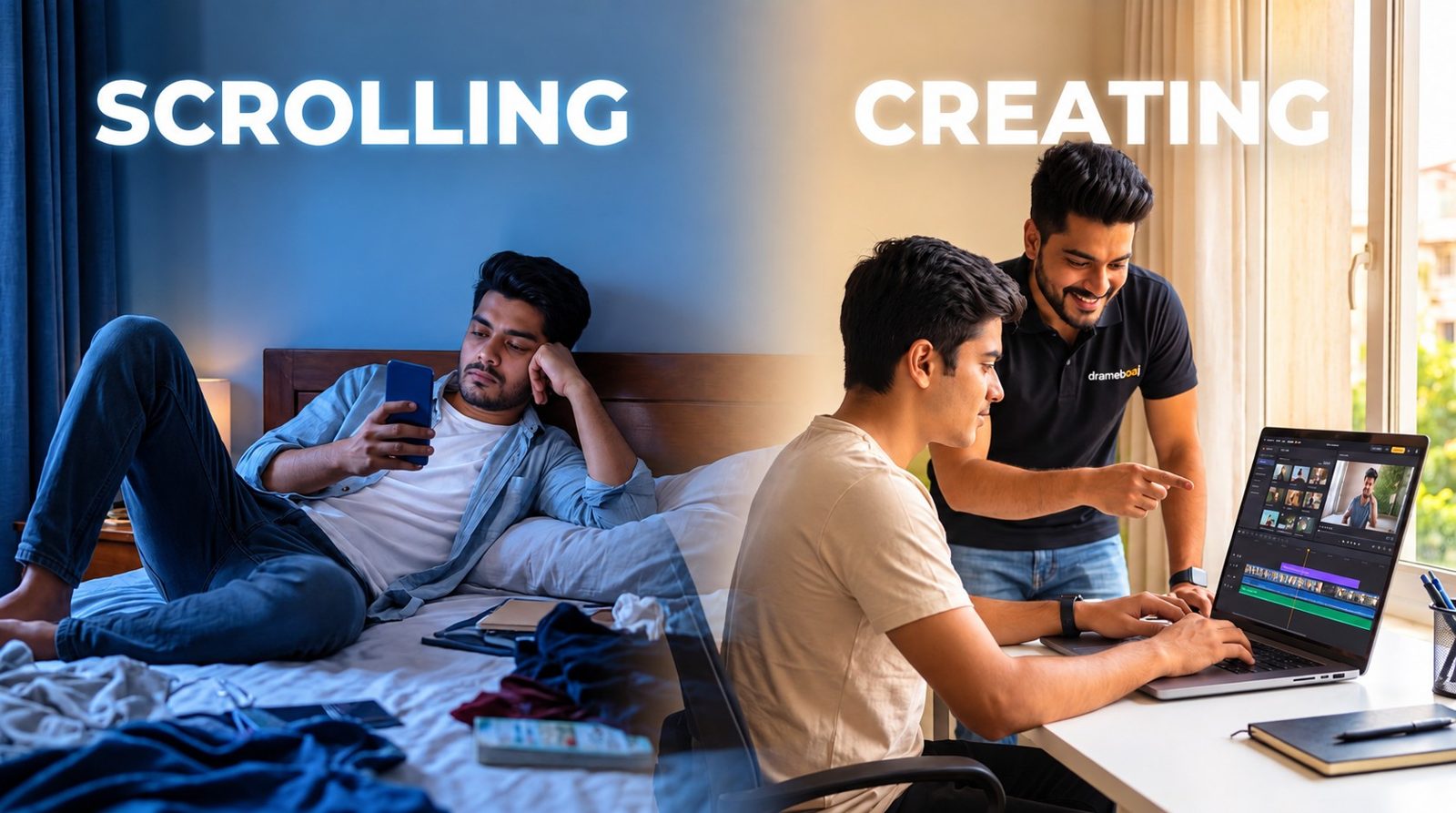
Today: consumers

Hours of scrolling, with no idea how videos are made or how to make their own.

Tomorrow: creators

Students who can research, write, design and publish with AI, responsibly.

Your school can be the one that gives students this skill first.

Split image: a young person scrolling on a phone versus the same person creating a video on a laptop with guidance
The free workshop

What happens on workshop day

An energetic, live session at your school. Students don't need to bring anything or install any app. Everything is demonstrated live on your projector or smart board, and students are encouraged to ask questions throughout.

FreeNo cost to the school, ever
60–90 minFlexible to your timetable
On campusWe come to your school
Any languageEnglish, Hindi or Hinglish
  1. How AI is changing content

    Real examples students already see on their phones every day, and how they were made.

  2. Live demo: idea to video

    We create a short video together, in front of the class, from a topic the students choose.

  3. The tools, explained simply

    What each AI tool does, when to use it, and how the pieces fit together into one workflow.

  4. Using AI safely and honestly

    Deepfakes, fake news, copyright and privacy, and the good habits every creator needs.

  5. Careers and next steps

    Where this skill can lead, from school projects to freelancing and running a content studio.

  6. Open Q&A

    Students and teachers ask anything. No question is too basic.

STUDENT SESSION · 60–75 MIN

For students

The full live demo, the tools, safe use of AI and career paths, with plenty of time for questions.

TEACHER SESSION · 45–60 MIN

For teachers

A separate session focused on the classroom: lesson videos, visuals, quizzes and guiding students to use AI well.

The wow moment

From one idea to a finished video

This is the exact process students watch live in the workshop. Each step uses a different AI tool, and together they replace an entire production team.

Idea & research

Pick a topic people care about and gather facts

AI search

Script

A strong hook, a clear story and an ending

ChatGPT · Claude

Voiceover

Natural, human-like narration

ElevenLabs

Images

Any scene, any style, any era

Gemini · Flow

Video

Still images come to life with motion

AI video tools

Music

An original background score

Suno · Udio

Edit & captions

Put it all together and polish

CapCut
A ready-to-share videoNo camera. No studio. One laptop.
For students

Three skills that build a creator

Every good video stands on three pillars. The workshop introduces all three, and the full course teaches each one step by step with hands-on practice.

Pillar 1

Writing

Find good topics, research facts properly and write scripts that hook viewers in the first three seconds and keep them watching.

  • Topic research
  • Hooks
  • Storytelling
  • Scripts
Pillar 2

Creating

Turn words into visuals and sound: AI voiceovers, images, video clips and talking avatars that look professional.

  • Voiceover
  • AI images
  • AI video
  • Avatars
Pillar 3

Finishing

Add music, edit, caption and publish a polished video that people actually want to watch and share.

  • Music
  • Editing
  • Captions
  • Publishing

A bonus for your school: the same skills make school projects, presentations, science exhibitions and inter-school competitions far more impressive.

For teachers

Teach better. Save hours.

Teachers get their own session, focused on the classroom rather than social media. It shows practical ways to use AI in daily teaching, without needing any technical or editing background.

  • Turn any chapter into a short explainer videoSummarise a lesson in two minutes that students can rewatch before exams.
  • Create visuals for topics that are hard to imagineThe solar system, historical events, the inside of a cell: show it instead of describing it.
  • Prepare quizzes, notes and lesson plans fasterSpend less time on paperwork and more time with students.
  • Make school event and admission videos in-houseAnnual day, sports day and admission campaigns without hiring an agency.
  • Understand the tools students already useAnd guide them to use AI honestly in their own work.
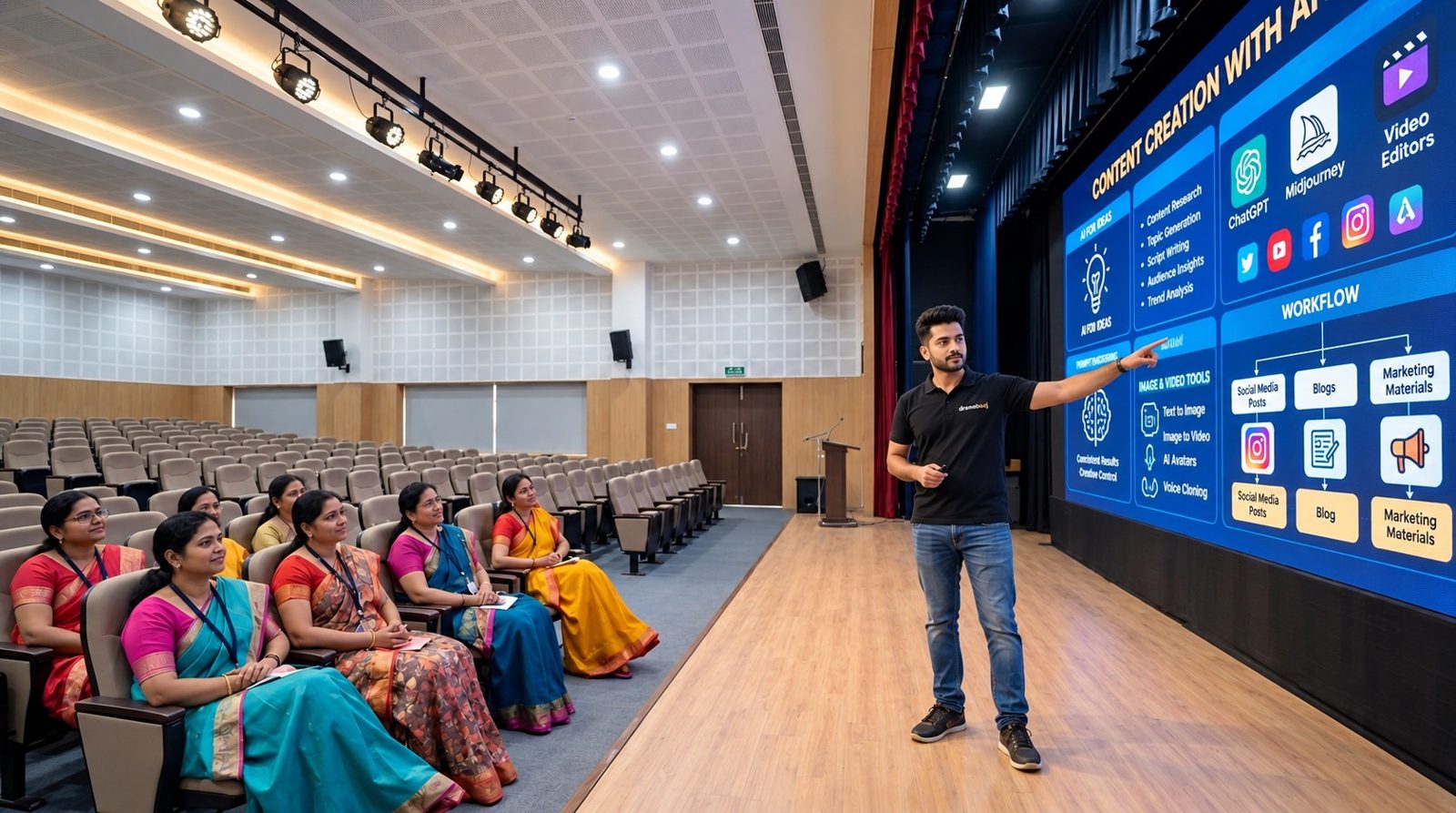
Krishan presenting AI content creation tools to a group of teachers in a school auditorium
Safety first

Smart creators are responsible creators

AI is powerful, and students need to know how to use it well. Every workshop includes a clear lesson on using AI the right way. We teach students to question what they see, respect other people's work, and never misuse a person's face or voice.

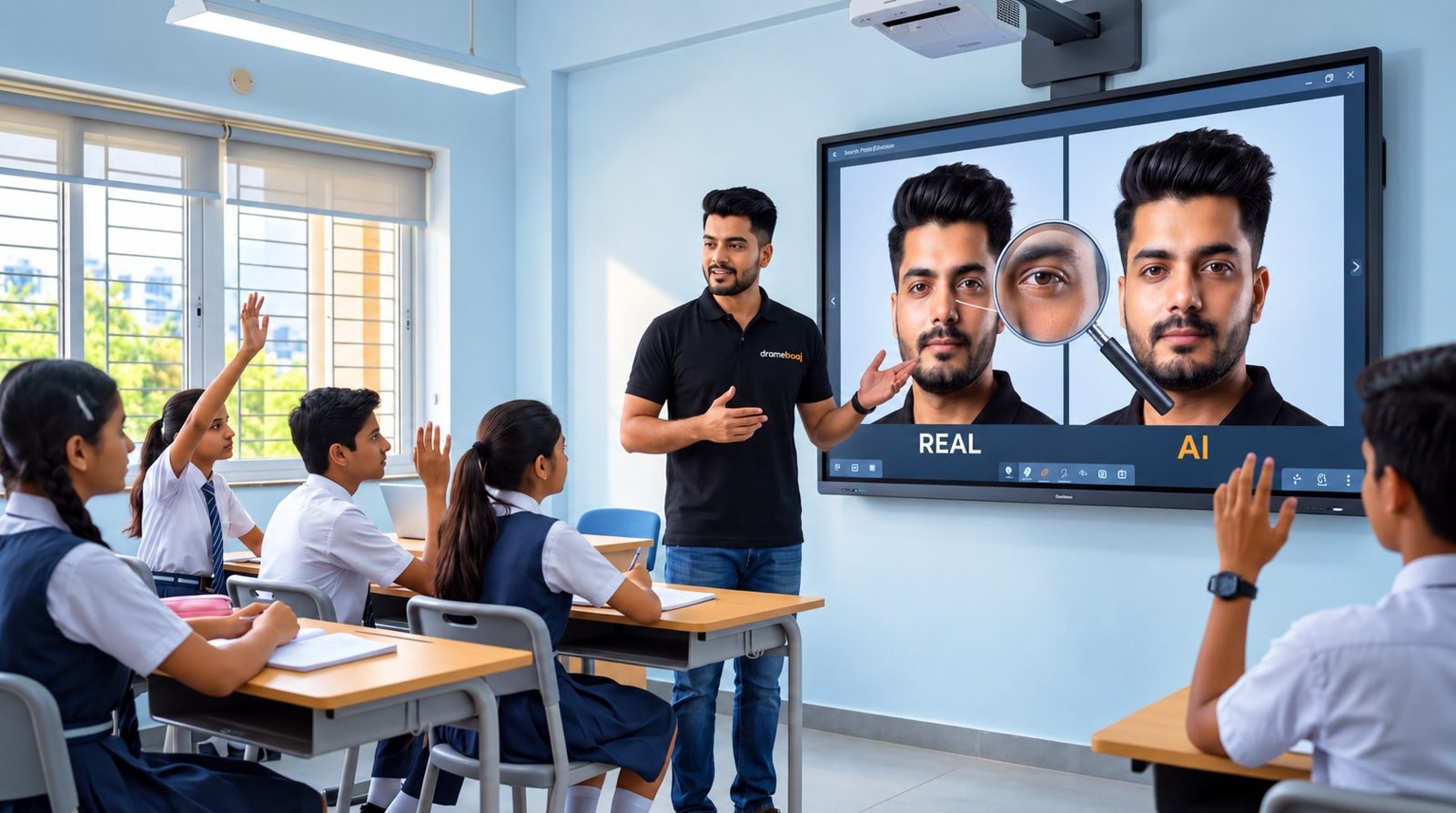
Krishan showing students a real photo and an AI-generated copy of his face side by side on a smart board

Spot deepfakes

How to tell real photos, videos and voices from AI-made ones.

Stop fake news

Check facts and sources before believing or sharing anything.

Respect copyright

Use music, images and ideas fairly, and always give credit.

Protect privacy

Never use anyone's face or voice without their permission.

Age-appropriate by designSome AI tools require users to be 18 or older, or to have a parent's consent. For school students, tool accounts are used only under parent or teacher supervision.
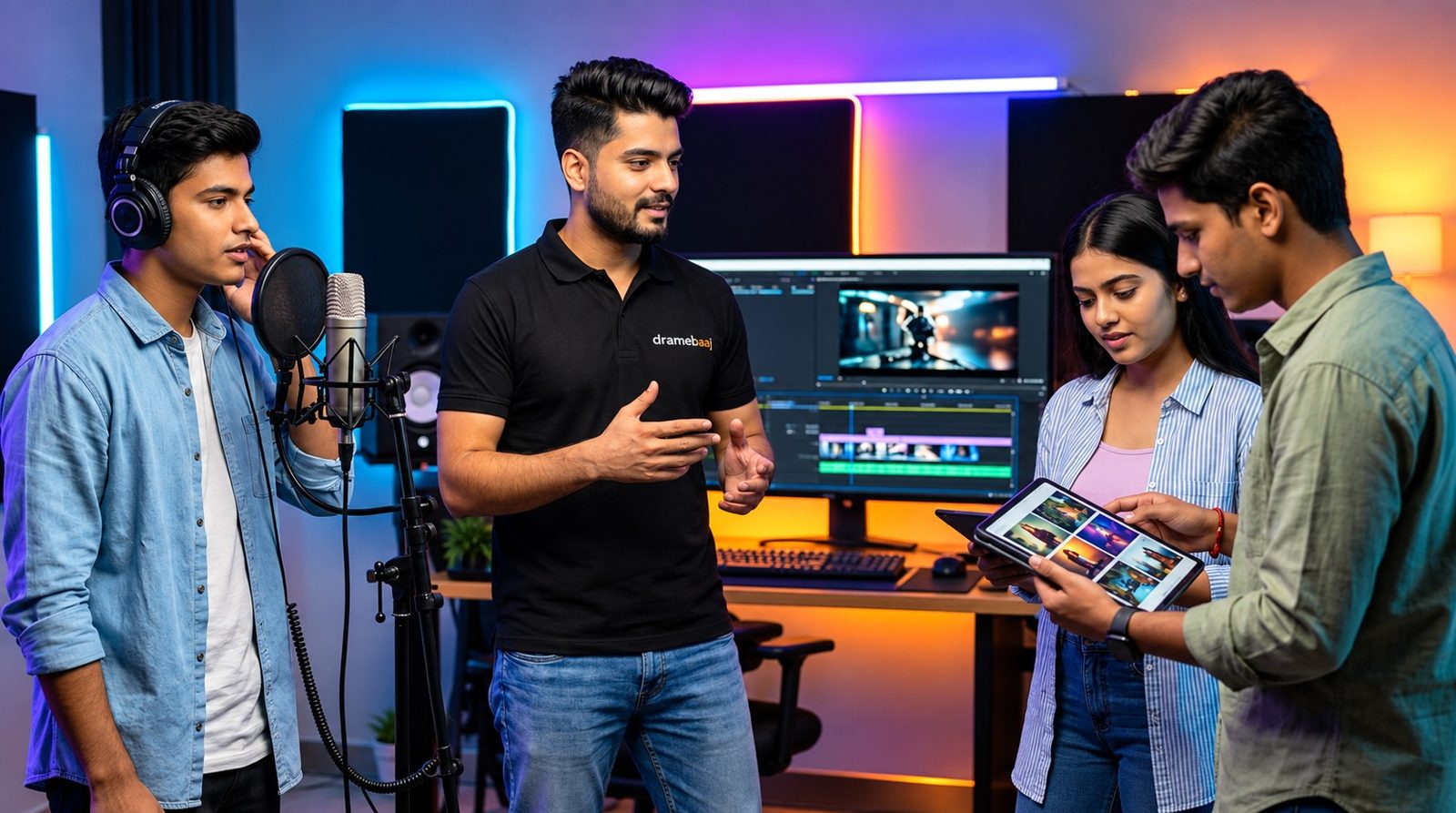
Krishan mentoring young creators in a studio with a microphone, editing screen and tablet
The future

Where this skill can take students

Content creation is no longer a hobby. Brands, schools, news outlets and businesses all need video every day, and people who can make it quickly with AI are in demand.

Faceless creator

Run a channel on history, science or stories without ever appearing on camera.

Brand video maker

Create ads and product videos for businesses that need content every day.

Freelancer

Take paid projects from anywhere. Course learners also get projects from Dramebaaj.

Media entrepreneur

Build a content studio or agency and hire other creators.

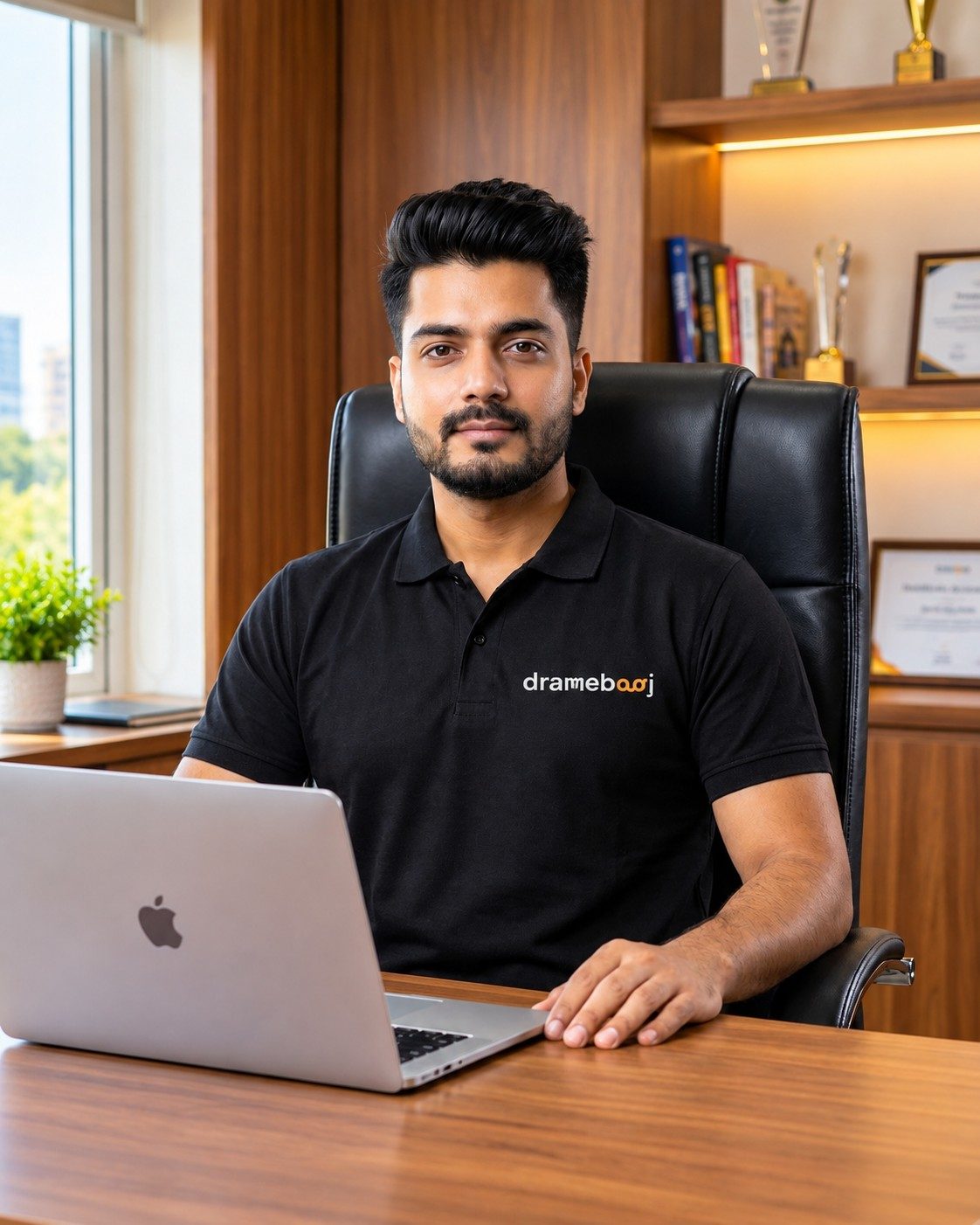
Portrait of Krishan Kant Arora in a black Dramebaaj polo
Your instructor

Learn from someone who does it daily

Krishan Kant Arora

Founder, Dramebaaj Technologies Pvt Ltd

Krishan runs Dramebaaj, an AI-native content company that makes AI videos for brands and manages social media channels across India, UAE, Canada and Germany.

He builds his own channels with the same AI tools he teaches. His history and mystery channel, @kka.history, is made entirely with AI storytelling and has grown past 150,000 followers. He holds an MBA and runs a structured 20-session AI video course for learners of all backgrounds.

150K+followers on @kka.history
50K+followers on personal Instagram
4countries where Dramebaaj serves clients
20sessions in the full AI video course
Instagram profile of kka.history showing 151K followers Instagram profile of krishan_arora28 showing 50.4K followers
After the workshop

For everyone who wants to go further

Students and teachers who enjoy the workshop can join the full AI Video Creation Course: 20 sessions that take a complete beginner to someone who can plan, create and publish professional AI videos on their own. The course is optional; the workshop is complete on its own.

Phase 1 · Sessions 1–10

Learn the tools

  • Session 1Course introduction and tools setup
  • Session 2Video anatomy: hook, body, cliffhanger, call to action
  • Session 3Topic research and AI script writing
  • Session 4Voiceover and voice cloning with ElevenLabs
  • Session 5AI images with Gemini and Flow
  • Sessions 6–8AI video generation
  • Session 9Background music with AI
  • Session 10Editing in CapCut and transcription
Phase 2 · Sessions 11–20

Apply them

  • Session 11Lipsync and AI avatars with HeyGen
  • Session 12Mini capstone project
  • Sessions 13–16Live project implementation
  • Sessions 17–20Doubt-clearing sessions
ONE-ON-ONE

Live Classes

Personal classes directly with the instructor

  • 20 one-on-one live sessions
  • Complete within 3 months
  • Schedule sessions at your convenience
  • Personal feedback on your own projects
  • Doubts cleared in real time
LEARN ANYTIME

Recorded Sessions

For busy schedules or a smaller budget

  • The full course on video
  • Learn at your own pace
  • Watch lessons again anytime
  • The same step-by-step roadmap
  • Start whenever you want

Special school discount

Students and teachers from partner schools get an extra discount on the course.

Learn, then earn

Skilled learners can take on real freelance projects from Dramebaaj and start earning.

Questions

Frequently asked questions

Is the workshop really free for the school?

Yes. There is no fee for the workshop, for either the student or the teacher session. The school only provides the space and basic equipment.

How long is the workshop?

Usually 60 to 90 minutes. The student session runs about 60–75 minutes and the teacher session about 45–60 minutes. We adjust the length to fit your timetable.

Do students need laptops, phones or any app?

No. Everything is demonstrated live on the school's projector or smart board. Students only need to watch, think and ask questions.

What do we need to arrange?

A hall or classroom, a projector or smart board, a sound system and, ideally, a working internet connection for the live demo.

Which language is the workshop in?

English, Hindi or Hinglish, depending on what suits your students best.

Is AI safe for school students?

Every workshop includes a session on responsible use: spotting deepfakes, checking facts, respecting copyright and protecting privacy. Some AI tools require users to be 18 or older, or to have a parent's consent, so for school students, tool accounts are used only under parent or teacher supervision.

Do students have to join the paid course?

No. The workshop is complete on its own. The full course is an optional next step for students and teachers who want to go further, and partner schools get an extra discount.

What is the difference between live classes and recorded sessions?

Live classes are 20 one-on-one sessions with the instructor, completed within 3 months, with personal feedback on your projects. Recorded sessions give you the full course on video to learn at your own pace, at a lower cost.

How does "learn, then earn" work?

Dramebaaj regularly receives video projects from clients. Learners who complete the course and show strong skills can be offered freelance projects. Paid work for anyone under 18 is only with a parent's consent.
Let's do this

Book a free workshop for your school

Give your students and teachers a head start in the skill everyone will need. Booking takes one message.

1

Get in touch

Call, WhatsApp or email us, or fill in the form below.

2

Pick a date

We fit the workshop into your school timetable.

3

We come to you

A live, hands-on session on your campus.

All we need from the school: a hall or classroom, a projector or smart board, a sound system and, ideally, an internet connection.

Krishan Kant Arora

Dramebaaj Technologies Pvt Ltd
krishan@app.dramebaaj.com

Workshop enquiry

Tell us about your school and we'll contact you to arrange the workshop.